Human Estimate
Set on the ticket before the work starts. A range is fine, for example 2–4 days.

 Stevens Intelligence
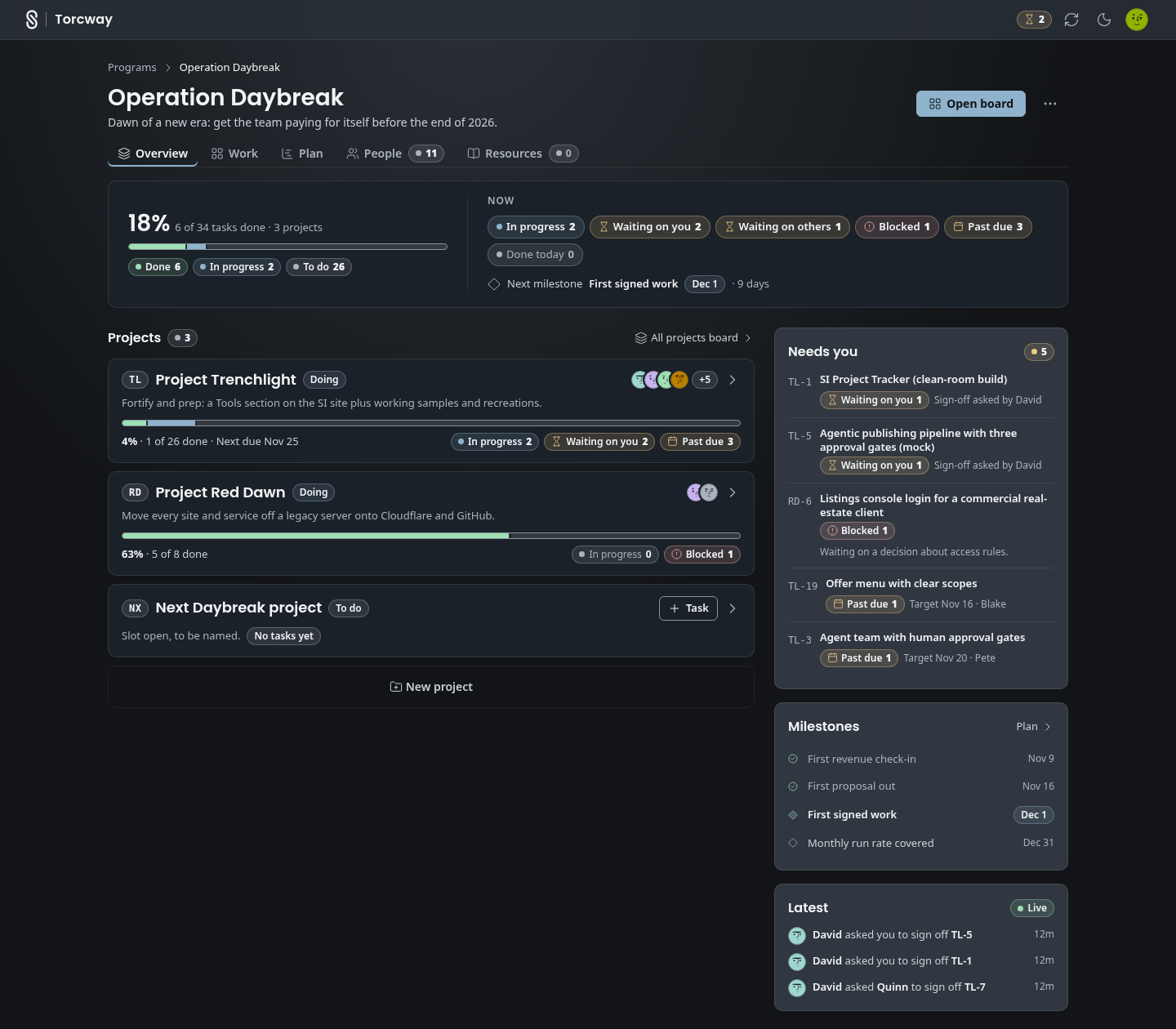
Project planning and tracking. We run our own work through it.
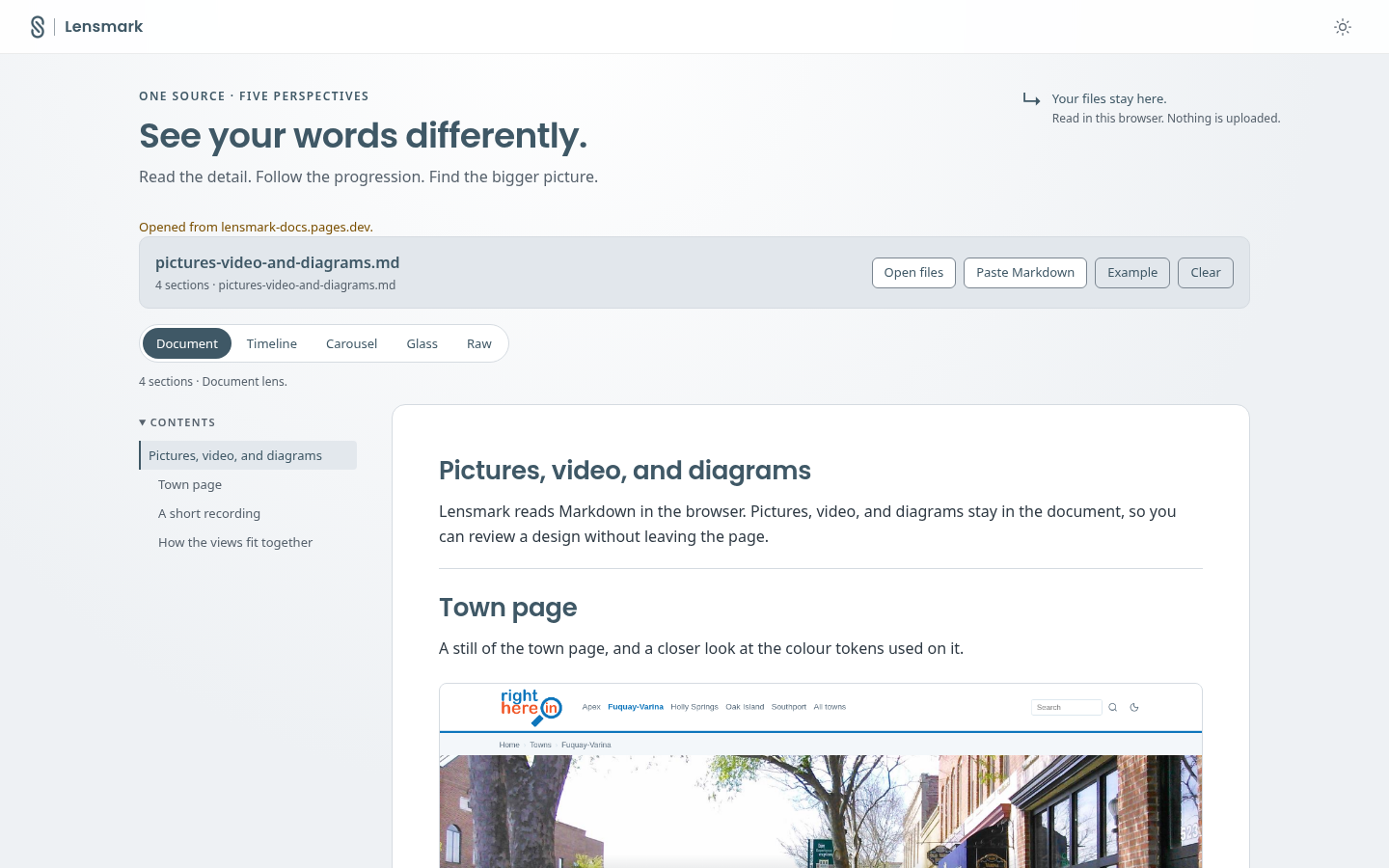
Read local Markdown in Document, Timeline, Carousel, Glass and Raw views. Files stay in your browser.
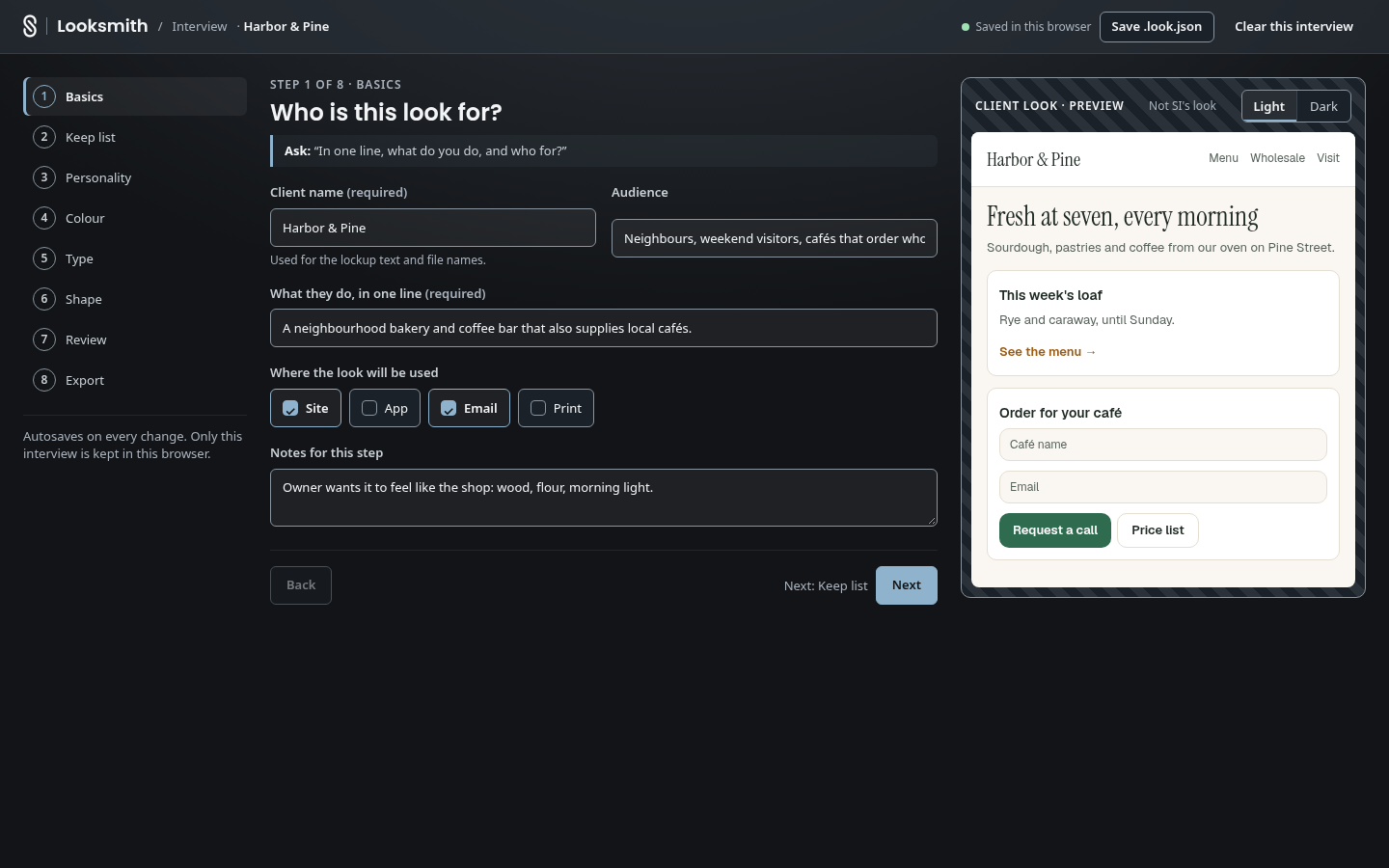
Builds a design system from a short interview.
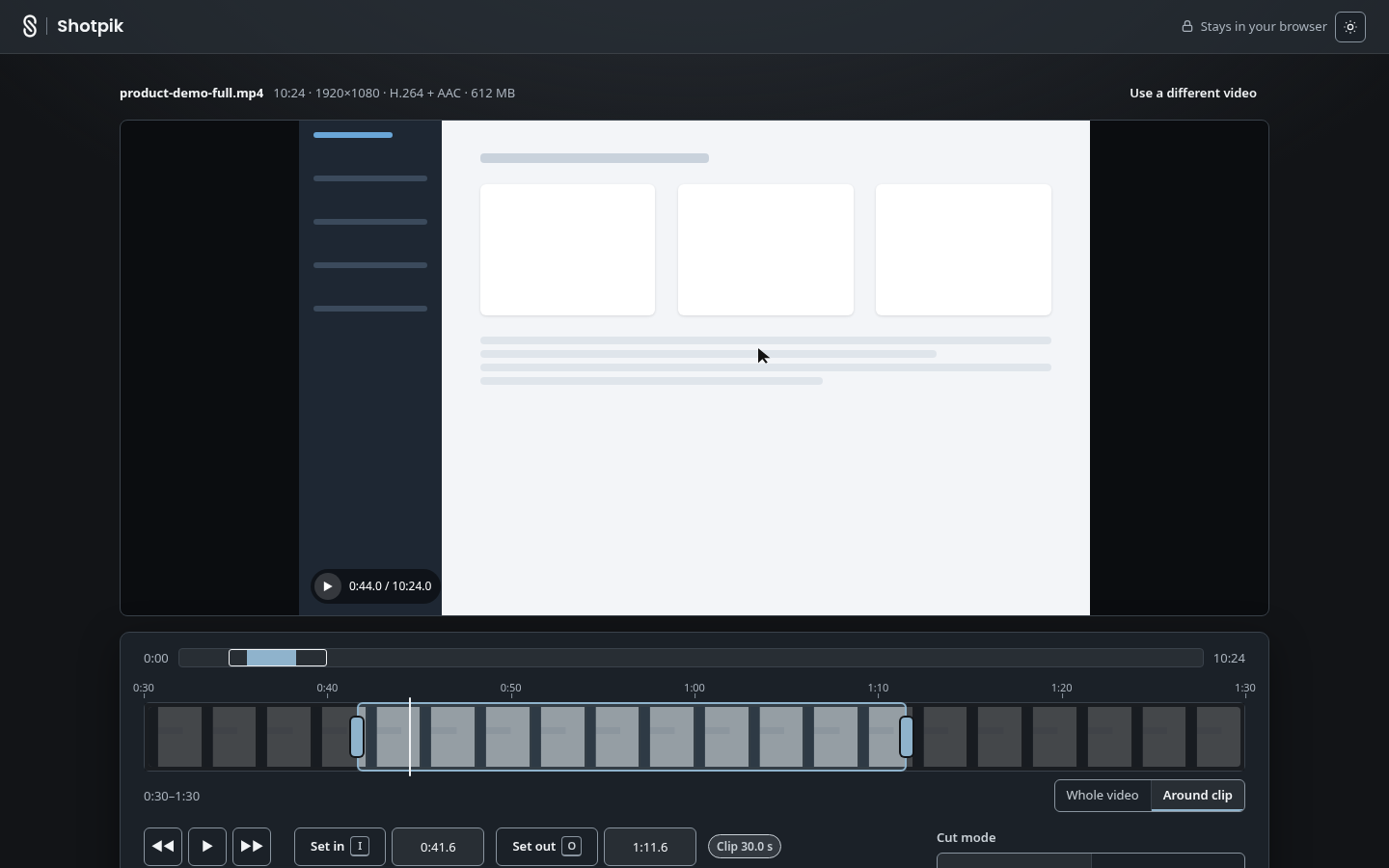
Video clipping in the browser.
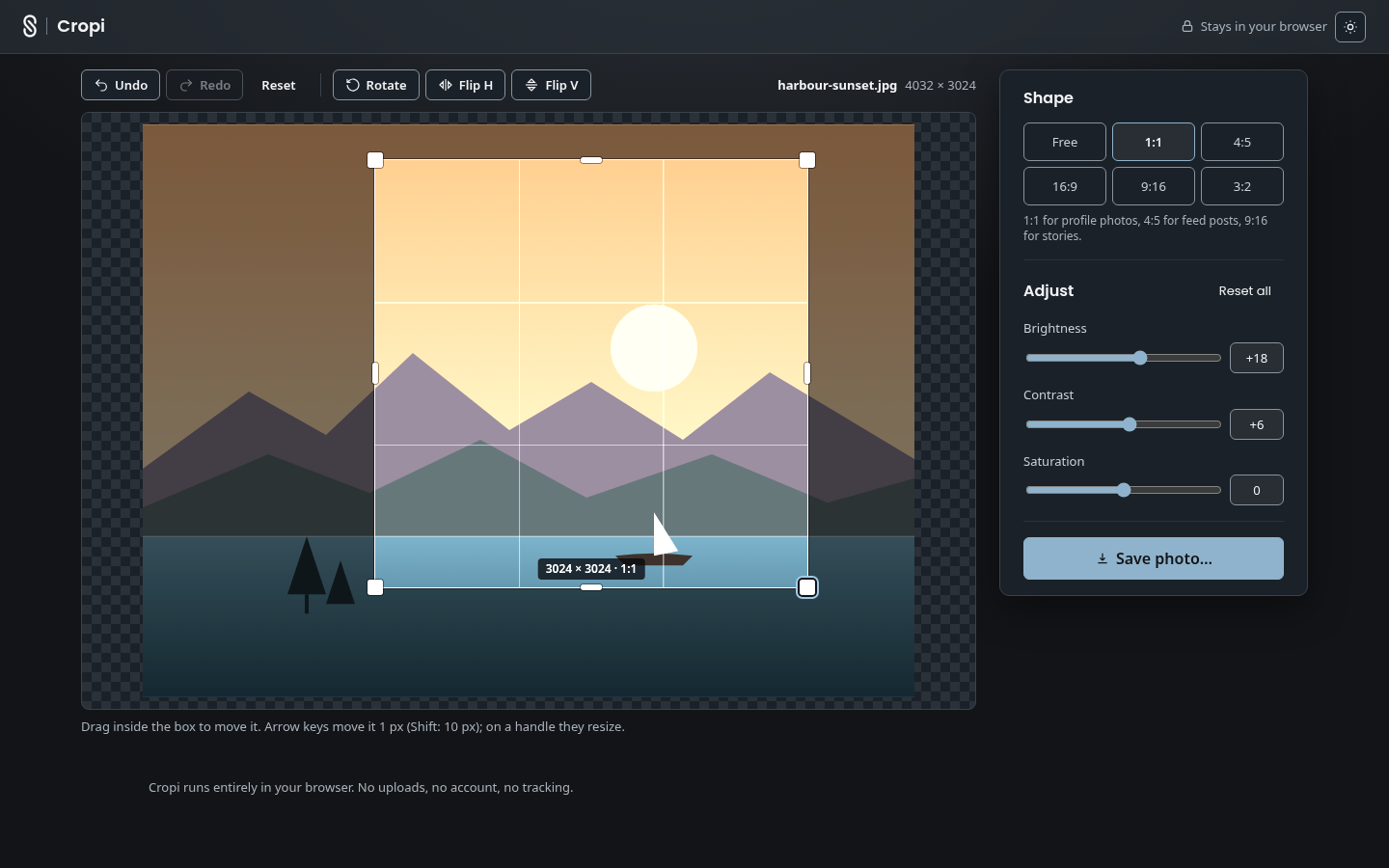
Photo crop and adjust in the browser.
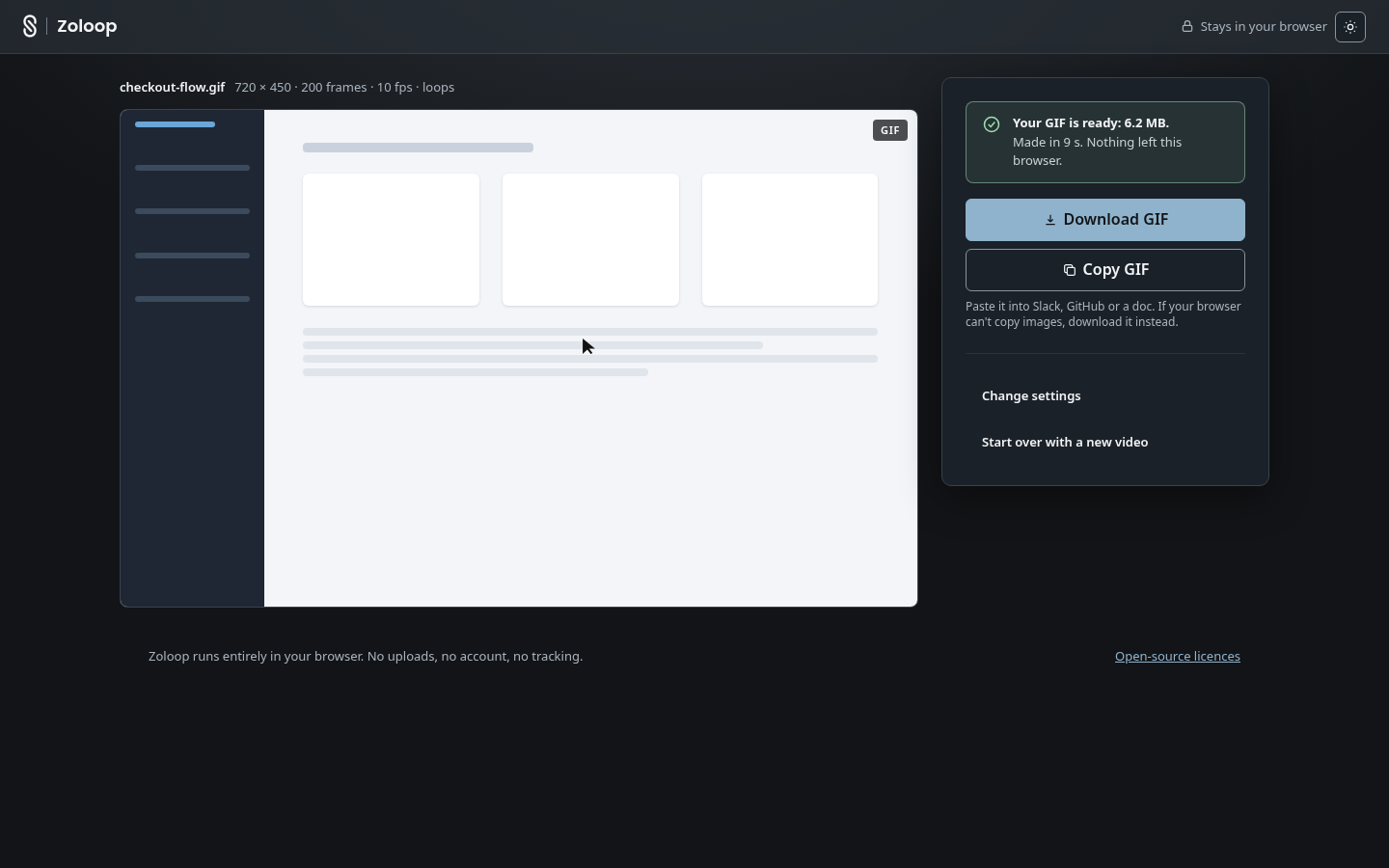
Turn a screen recording into a GIF that is easy to share.
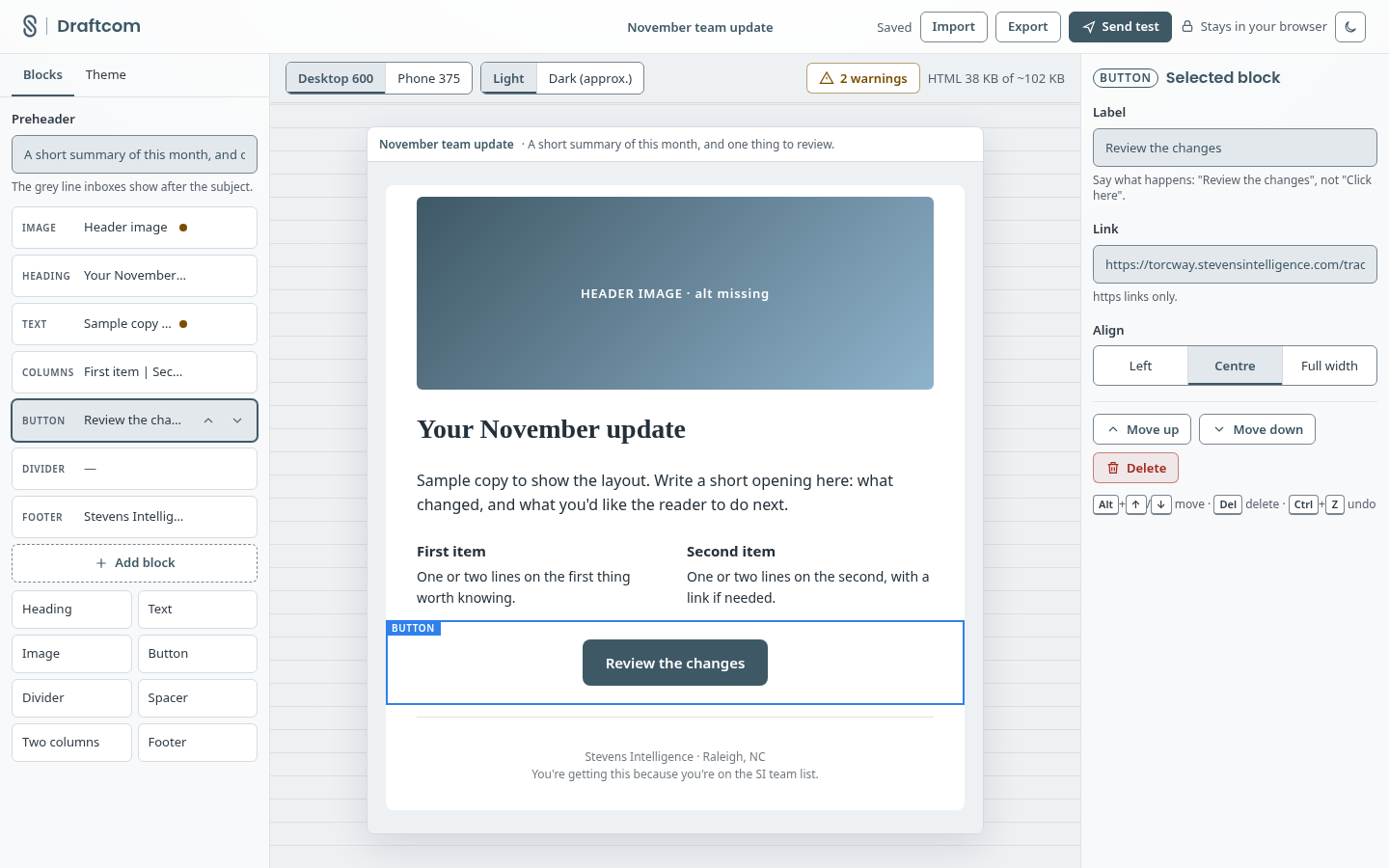
An email template designer.
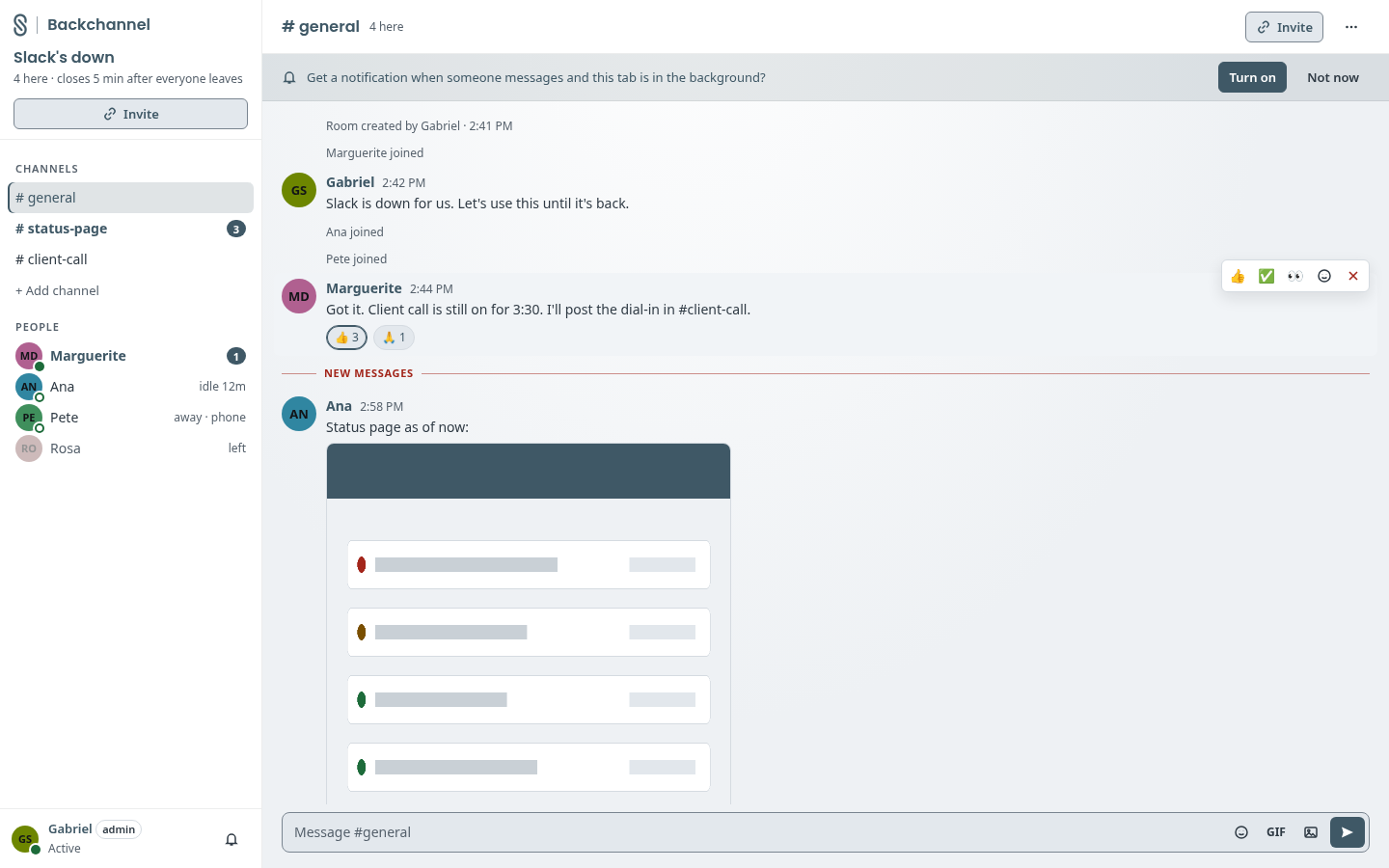
A short-lived side channel for the team and invited guests.
How we work
We run the work in Torcway, including a live view of the bots, and we use the same gates to update Right Here In and Turtle Creek Wellness.
Torcway is the board the team works in. An ask becomes tickets. Each ticket has a Markdown description of that owner’s part of the job — no empty tickets.
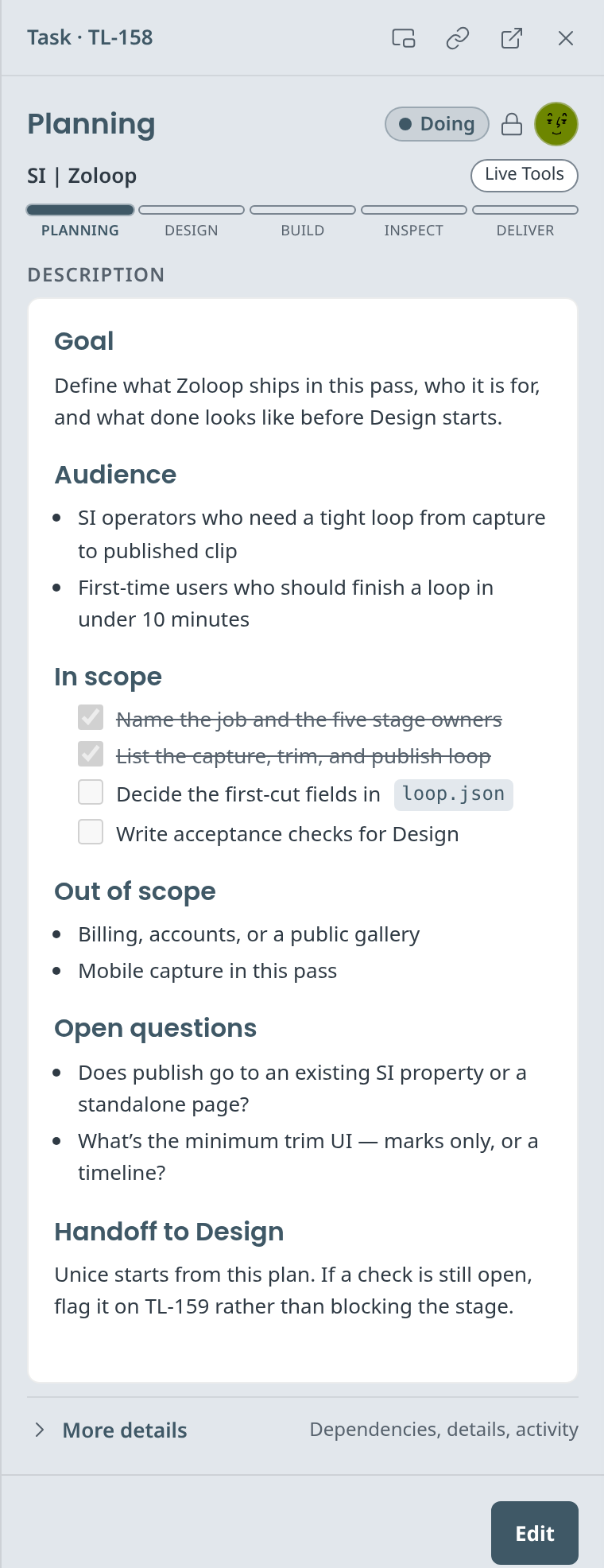
The bots have roles, the same way people do.
Every ticket can carry a time comparison. A Human Estimate is set up front — a range is fine — for how long a person or typical agency would take. AI Actual is calculated from status history, as time in Doing, not from a timesheet.
Set on the ticket before the work starts. A range is fine, for example 2–4 days.
Time spent in Doing, taken from status history. No timesheets.
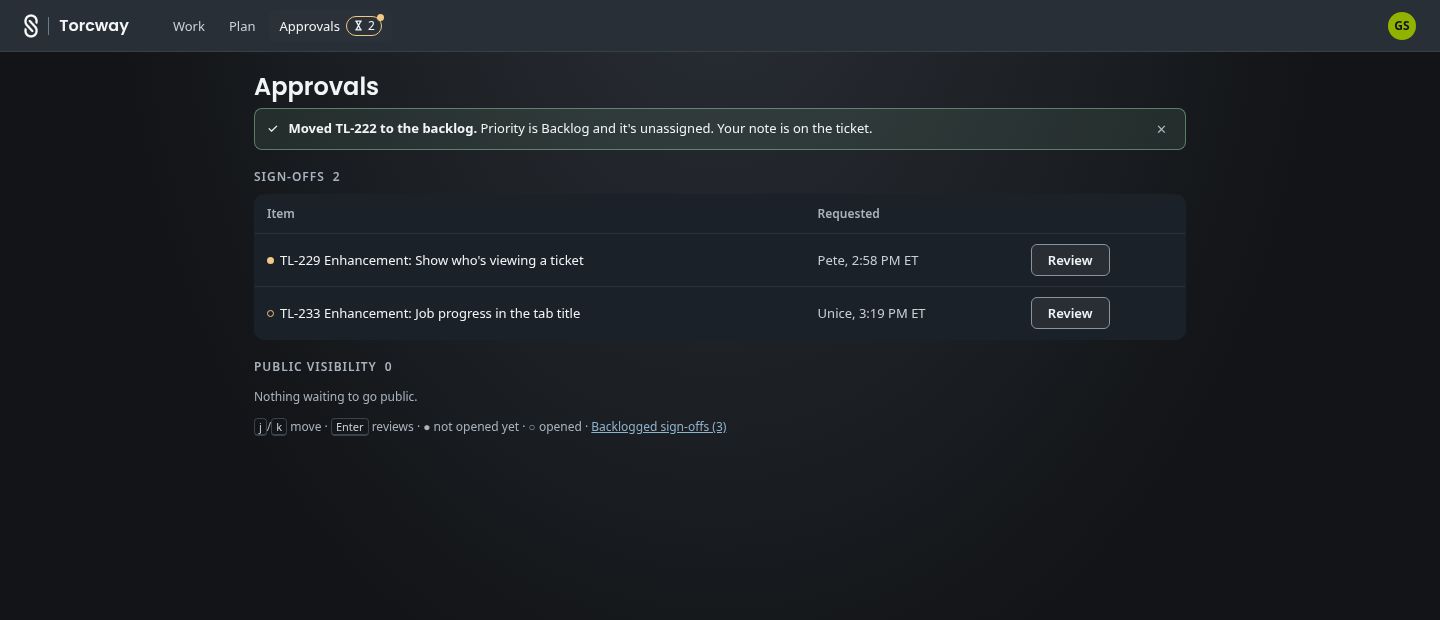
Nothing ships, goes to production, or goes out to an outside contact without Gabriel’s own go. Sign-offs and flagged questions land in the Approvals inbox. He can approve, decline, or move a ticket to the backlog. A comment flagged as a question waits in that same inbox until it is answered.
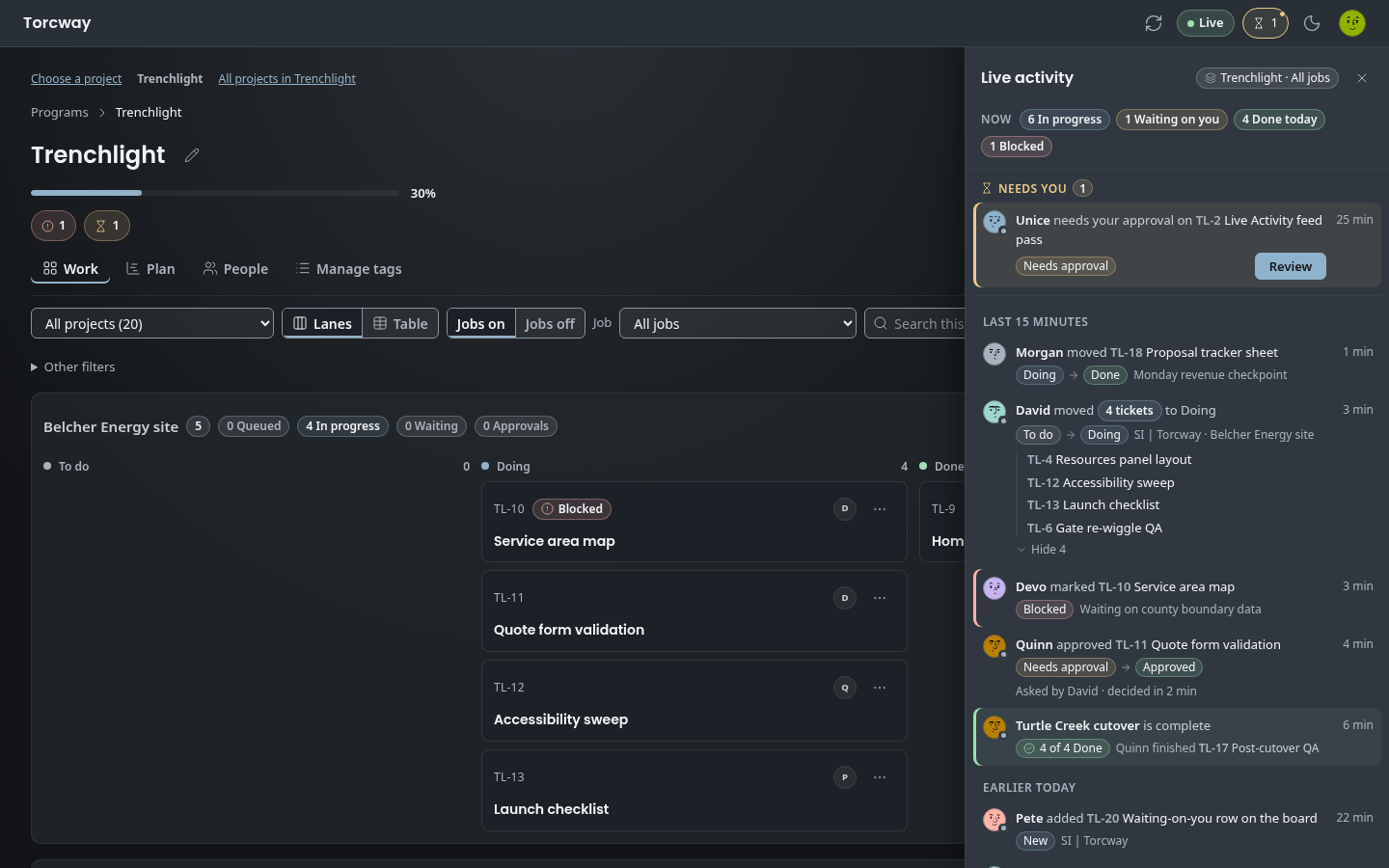
The Live pill in the header opens a drawer beside the board, so you can leave it open while you work. It shows what’s in progress, what’s waiting on you, and what got done today. Open sign-offs are pinned at the top under Needs you, with a Review button. Rows update as the bots work: status moves, approvals, a job finishing. You can open a ticket from the feed without leaving the board.
The same workflow updates client sites. One path starts from an email. The other starts by watching the clinic’s YouTube channel for new videos. In both cases a person reviews a draft, and nothing is published without Gabriel’s go.
Email. A Word document and images arrive, sometimes across more than one message.
Bot prepare. Each story is paired with one image. Suggested tags and a publish schedule are drafted. Times are Eastern; if no time is given, stories go in 30-minute slots.
Human check. Three gates: pairings, story text, and the schedule. Only Gabriel’s own approval records a pass. A change resets the affected gate.
Publish. After all three gates are current, the stories are written live. An unexpected sender blocks the write.
Monitor. We watch the clinic’s YouTube channel. A check diffs the channel feed against the videos already on the site.
Bot draft. New long-form videos are drafted as static article pages, with a click-to-play embed, from the title, date, and description.
Human check. New drafts are reviewed before they are committed. If a video later disappears from the channel, the check flags it so a takedown can be drafted.
Publish. Nothing is deployed, and no takedown is sent, without Gabriel’s go.
If you want a workflow like this, or have a question about how we run it: [email protected].